The IPTV player that opens the TV guide while the others are still loading it
Jusonix takes your M3U playlist or Xtream Codes account and turns it into a proper television: a guide you can scroll, channels that start on the first press, a remote that behaves the way you expect. Pay once, €4.99.
How to install it
7-day free trial · No subscription · No ads
What actually makes an IPTV player usable
Not the features that look good in a list: the three things you touch every evening.
The guide opens, it doesn’t load
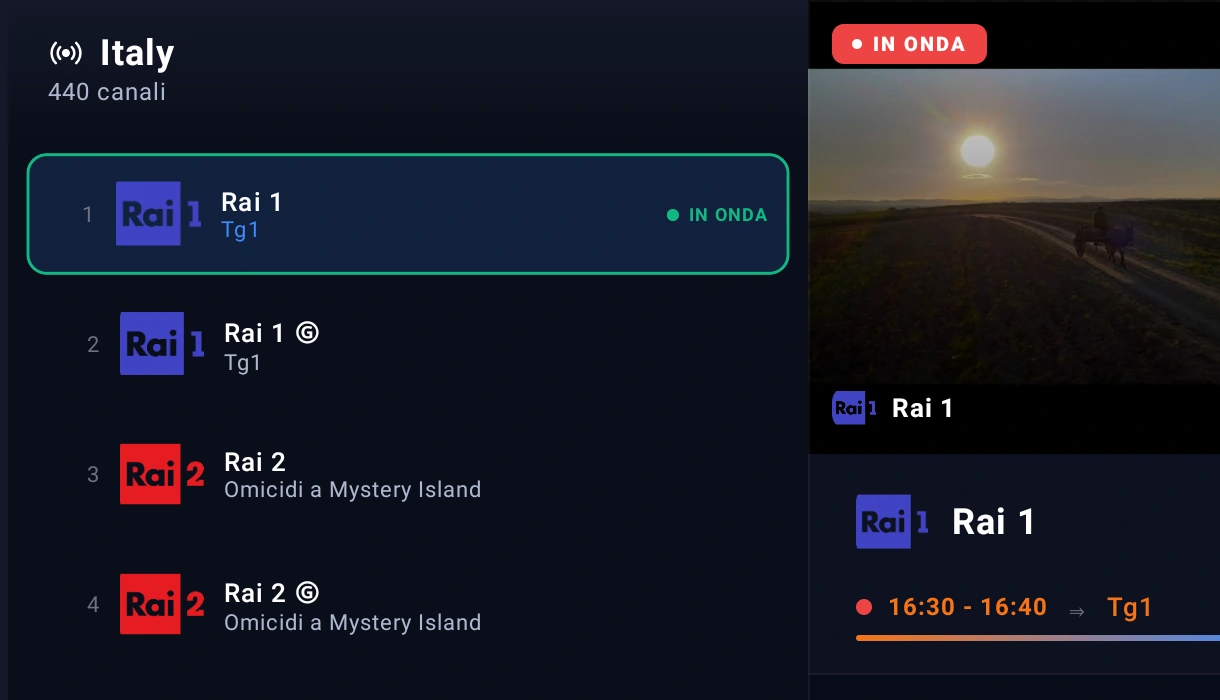
Your playlist is indexed on disk once. Opening the guide reads that index instead of parsing ten thousand channels again — it happens while your finger is still on the button.
Built for a remote
No menus designed for a thumb on a phone. Every screen has an obvious path with four arrows and OK, and the focus is visible from across the room.
Pay once, that’s it
€4.99 per device, forever. No renewals, no ads, no account to create: the licence belongs to the TV, not to a profile.
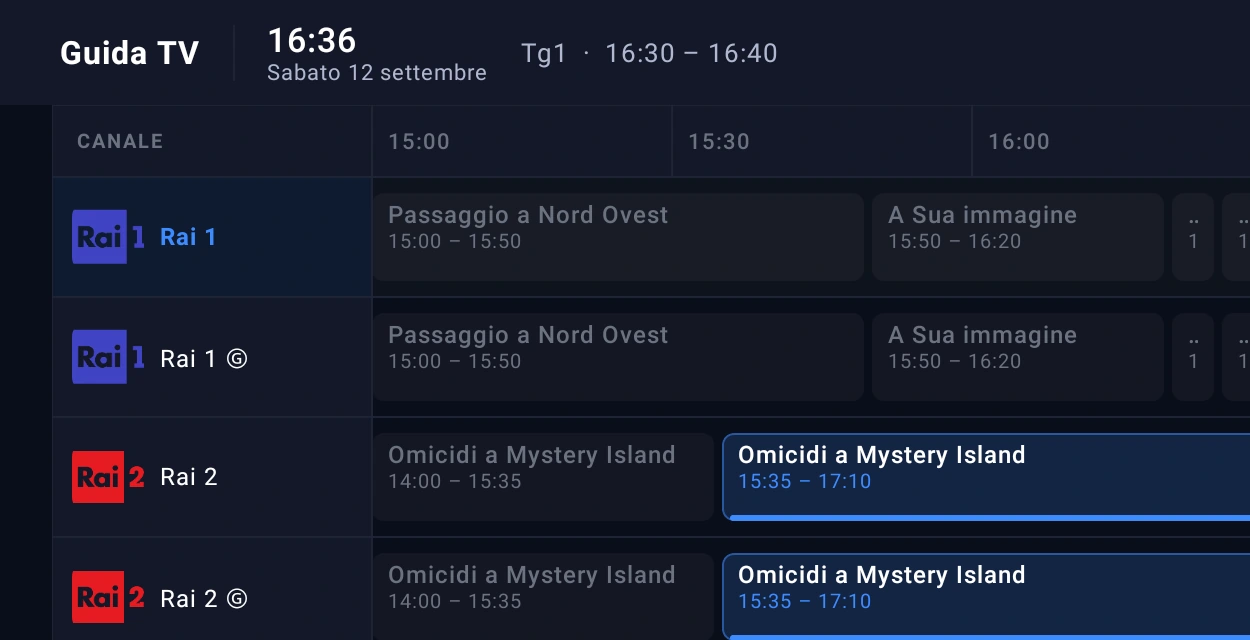
A guide that scrolls like the one on your set-top box
The EPG is where most IPTV players give up: thousands of channels, XMLTV files of tens of megabytes, and a screen that sits on "loading" every single time.
- The red now-line always in the right place, with current programmes highlighted.
- Continuous scrolling across time and channels, with nothing to reload.
- From programme to channel with one OK: what you are looking at starts playing.
- Times in your country’s format — 24-hour where that is normal, AM/PM where it is not.

See where you are about to land, before you land
Looking for a point in a film with the remote has always been a shot in the dark: you overshoot, you go back, you overshoot again. Jusonix shows you the frame you are about to reach while you are still looking for it.
- The preview shows up at once, the moment you press: no waiting for it to load.
- It gets sharper as you move: the app prepares the frames in the background, starting from where you are watching.
- No outside service: the frames come from your own stream, not from a service that learns what you watch.
- It never steals bandwidth from the film: it stops by itself whenever the video needs the network.
M3U and Xtream Codes, loaded from your phone
Typing a long URL with arrow keys is the worst part of any player. With Jusonix you scan a QR code with your phone, paste the address there, and the TV picks it up by itself.
- M3U / M3U8 playlists from a web address or a local file.
- Xtream Codes with host, username and password: live, movies and series kept apart.
- Several playlists at once, each with its own refresh interval.
- Encrypted credentials on the device: nothing is stored in plain text.
Everything else you need, already in there
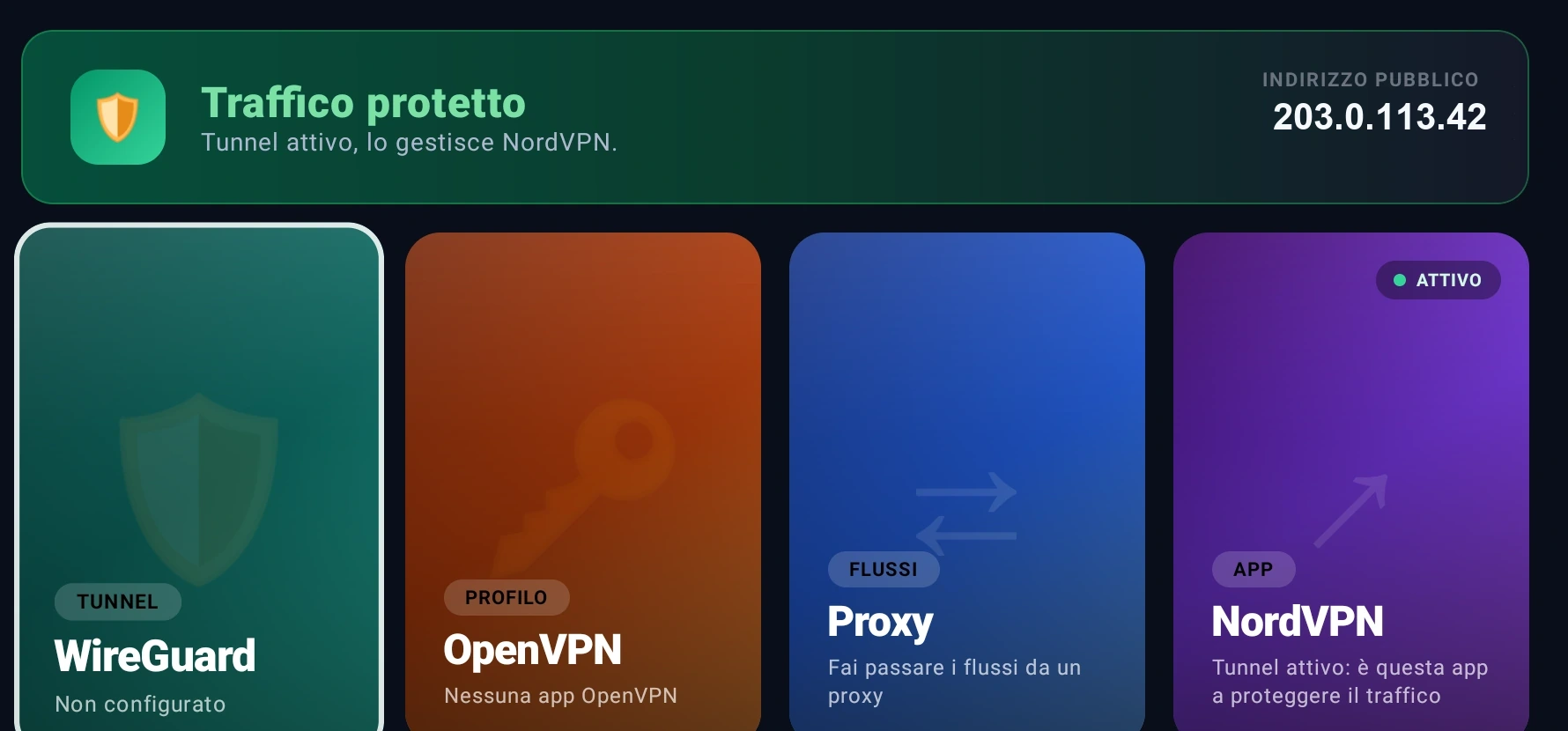
VPN and proxy
WireGuard tunnels, OpenVPN profiles, HTTP or SOCKS5 proxies. And it always tells you which one is actually carrying your traffic.
Parental control
PIN, blocked categories and hidden channels. Without the code they don’t even show up in search.
Speed test
Ping, jitter and bandwidth measured against your own IPTV provider: when it stutters, you know where to look.
Six languages
English, Italian, Spanish, French, Portuguese and German — dates and times follow the country too.
In-app updates
A new version announces itself and installs from there: no round trip through a browser.
Favourites and history
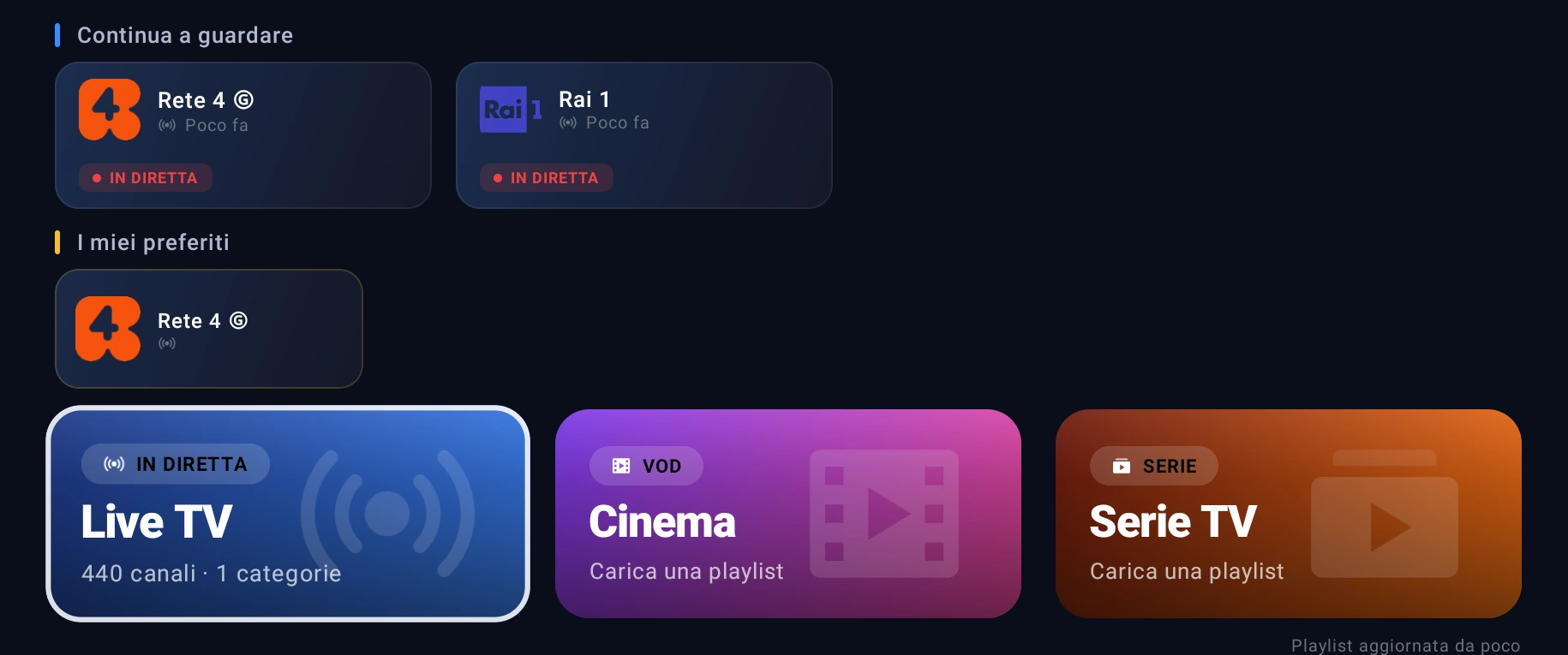
The channels you actually watch on top, and resume where you left off on movies and series.
Jusonix and other IPTV players
The differences you notice after the first evening.
| Jusonix | Typical IPTV player | |
|---|---|---|
| TV guide on playlists with thousands of channels | Opens instantly, index on disk | Rebuilt every time |
| Cost | €4.99 once | Yearly subscription or ads |
| Loading a playlist | From your phone with a QR code | Typed with the remote |
| Ads | None | Often present |
| VPN | WireGuard, OpenVPN, proxy included | Handled outside the app |
| Parental control | PIN, categories and hidden channels | Missing, or a PIN only |
| Updates | In-app, with release notes | Manual, re-downloading the APK |
| Channels included | None — the playlist is yours | None |
Five minutes, with nothing plugged into a computer
Fire TV Stick / Fire TV Cube
Using Downloader, the free app from the Amazon store. No cables, no PC.
Fire TV instructions →Android TV / Google TV
Using Downloader or a file manager, on Android boxes and televisions.
Android TV instructions →Once, and it stays yours
one-off, per device
- 7-day trial, full features, no card required.
- Lifetime licence on that television: future updates included.
- No subscription and no automatic renewal.
- Refund within 14 days if it is not for you.
 Pay with PayPal or with a debit or credit cardpowered by PayPal — no PayPal account needed
You buy from the TV, inside the app: it shows a QR code, you pay from your phone, and the licence activates by itself.
What people ask before installing
Does Jusonix include channels?
No, and it does not sell any. Jusonix is only the player: it works with the M3U playlist or Xtream Codes account you already have. Without your own playlist it shows nothing.
Which devices does it run on?
Fire TV Stick (including Lite and 4K), Fire TV Cube, Android TV and Google TV boxes and televisions, from Android 5.0 upwards. It is built for a remote control; on a phone it makes no sense.
What kind of playlists can I load?
M3U and M3U8 playlists from a web address or a file, and Xtream Codes accounts with host, username and password. You can keep several and switch whenever you like.
Do I have to type the playlist URL with the remote?
No. The app shows a QR code: scan it with your phone, paste the address using the phone keyboard, and the TV receives everything by itself.
How much is it and how long does it last?
€4.99 once, for the device you install it on. The licence does not expire and includes updates. There is no subscription.
Can I try before paying?
Yes: the first 7 days are complete and free, with no payment details required. You decide at the end.
Does the licence cover more than one television?
No: one licence, one device. It stays tied to the television you activated it on and never expires, but it does not move to another set. Two televisions need two licences.
Do I need a VPN to use Jusonix?
No. If you already use one, Jusonix recognises it and can manage it: WireGuard tunnels, OpenVPN profiles or a proxy — and it always tells you which one is really protecting the traffic.